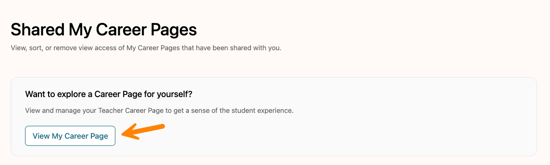
All enrolled students in an active class roster will have their My Career Pages automatically shared with their teacher. Students from outside of a teacher's class roster may also choose to manually share a My Career Page.
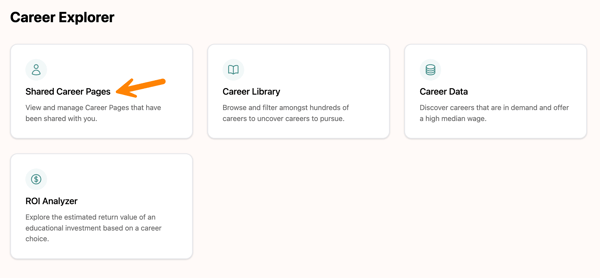
Shared Career Pages can be accessed from two locations.
To access it from the top navigation bar, select Career Tools, then choose Shared Career Page.

Teachers can also access Shared Career Page from the Home page under the Career Explorer section.
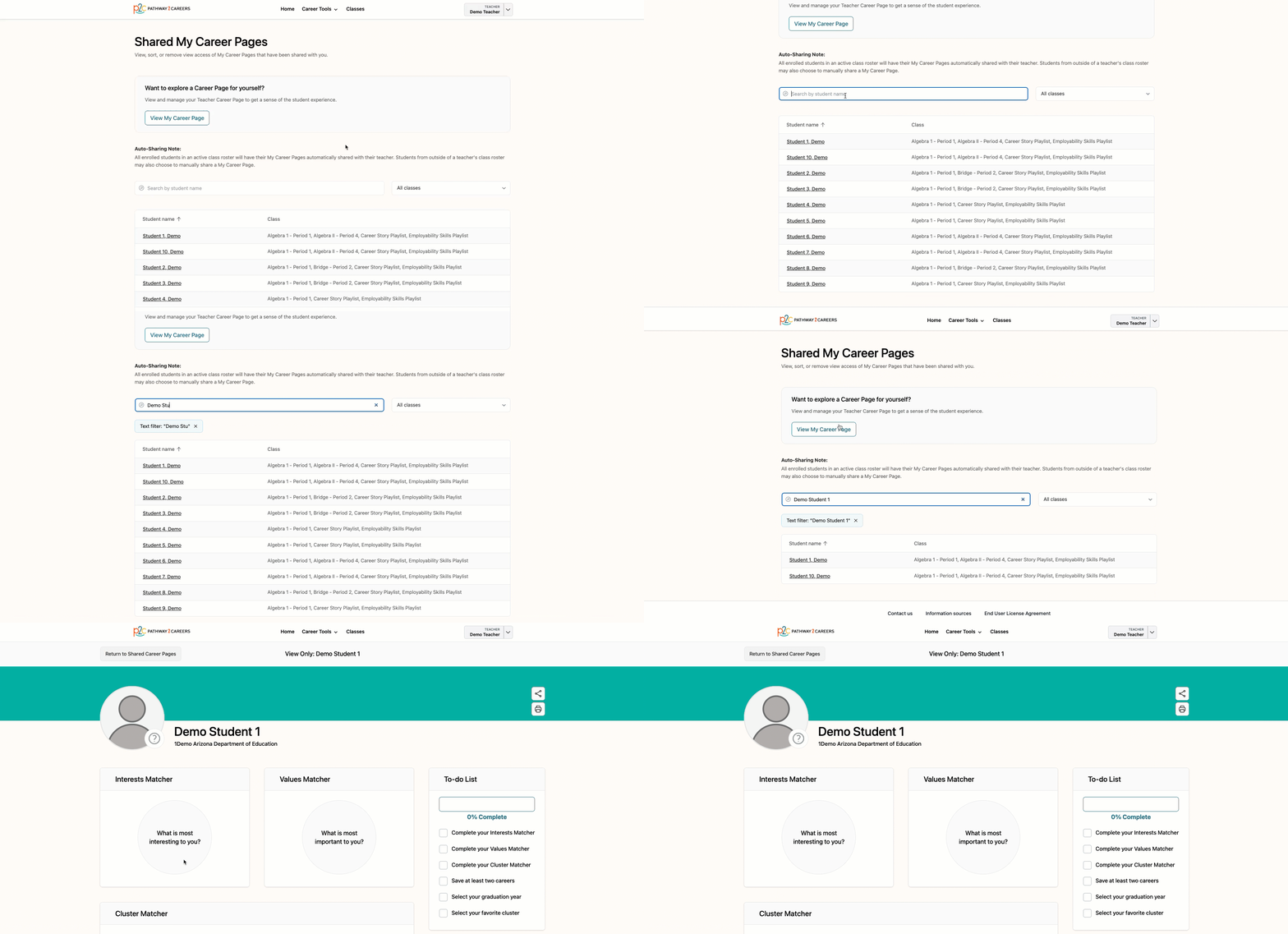
Use the search bar to find a student, then select the student’s name to open their My Career Page.
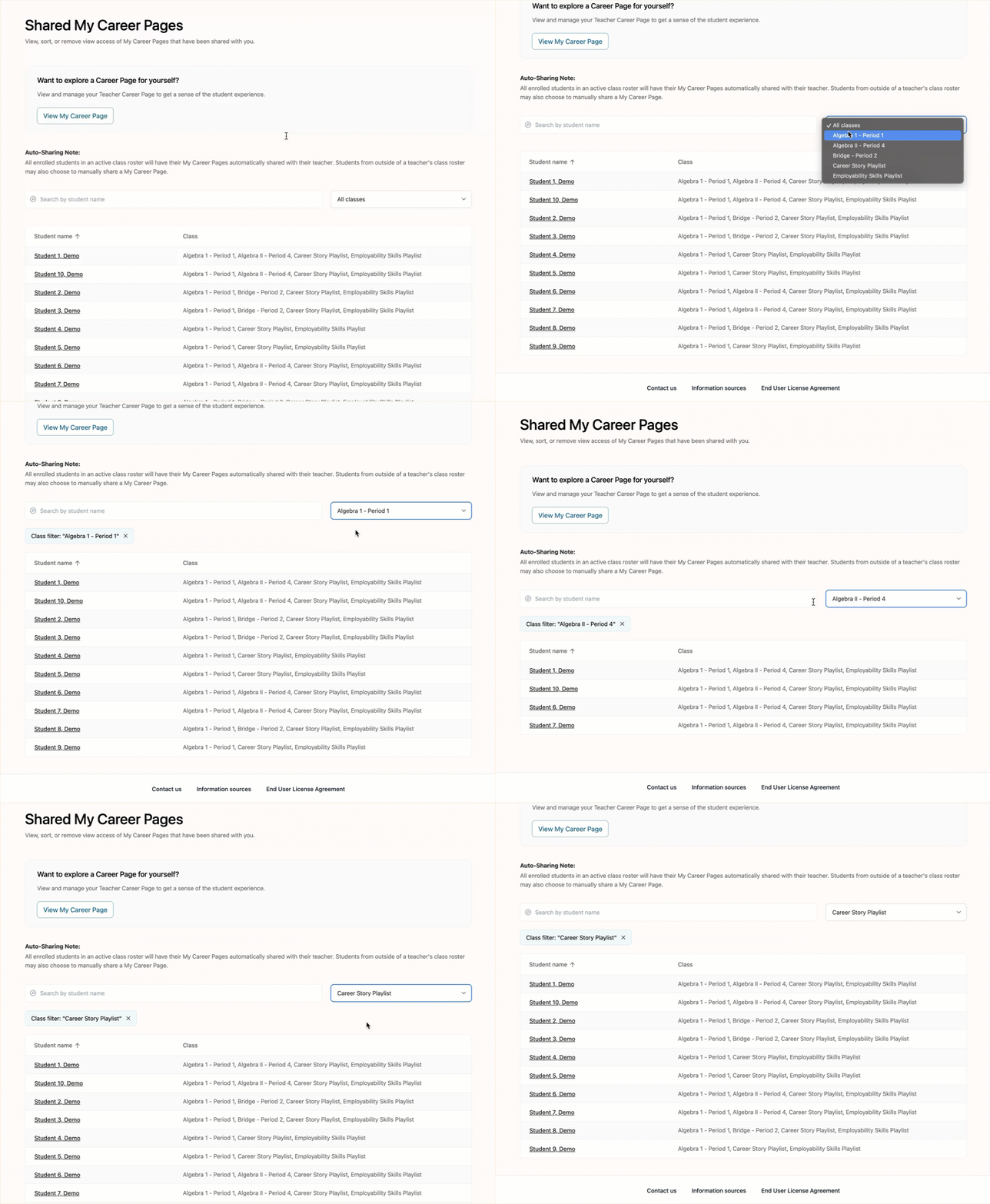
You can also filter the results by class.
To access your own Career Page, select View My Career Page.