
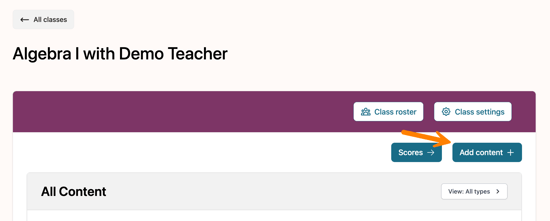
From a class, select Add content to open the curriculum library.
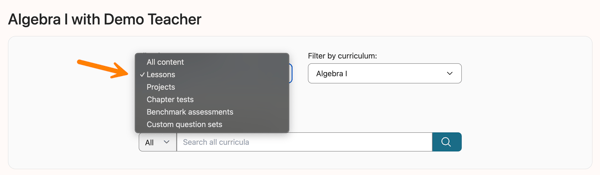
Use the Filter by content type drop-down menu to select the desired assignment type.
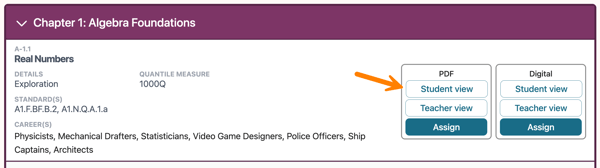
After locating the assignment you want to review, select Student view or Teacher view from either the PDF or Digital options to preview the content.
When previewing, assignments can be submitted for demonstration purposes only. These submissions are not scored and will not appear in Scores.