
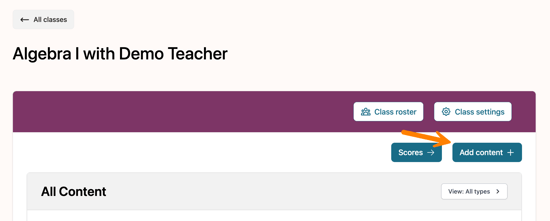
From a class, select Add content to open the curriculum content.
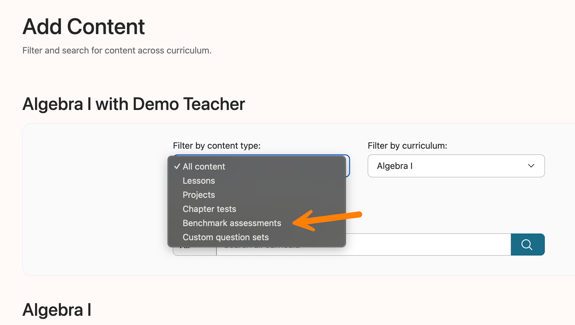
Select Benchmark assessments from the dropdown menu on the Add Content page.
To preview the assessments, choose either Student View or Teacher View.
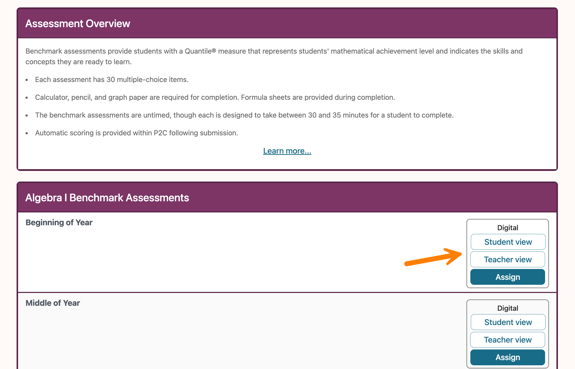
Teachers can preview all the questions and answers, but submitting the assessment will not result in a Quantile score.
To assign an assessment, select Assign.
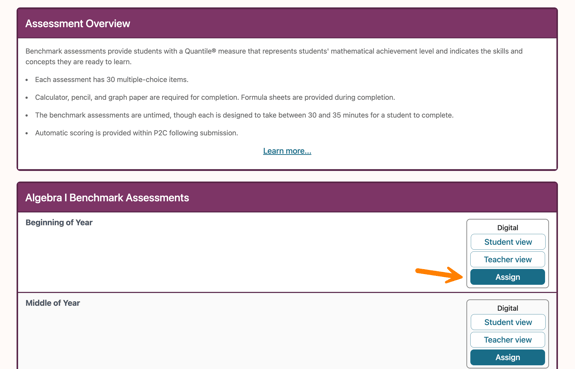
For more details on creating an assignment, refer to the related Knowledge Base article: Adding an Assignment.