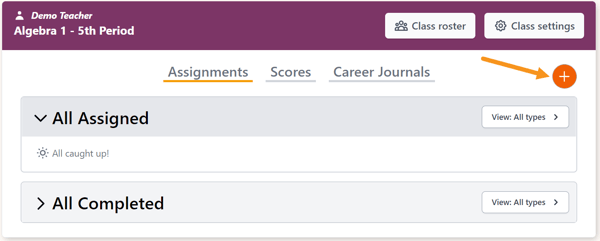
On the Class Details page, click the Add a new assignment button (orange plus sign) to add an assessment for the class.
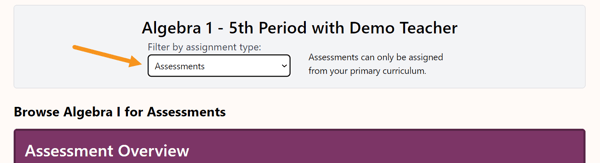
Select Assessments in the Filter by assignment type field.
The assessment dashboard will show all assessments: Beginning of Year, Middle of Year, and End of Year.
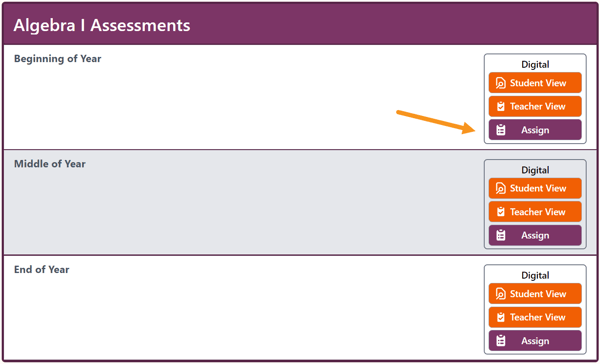
To assign an assessment to the class, click Assign.